Post Content
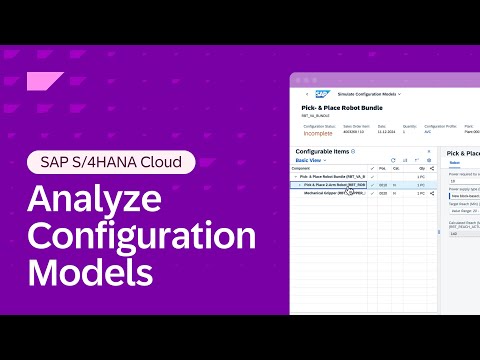
Learn how to analyze and troubleshoot your configuration model using the Trace tool in SAP S/4HANA Cloud.
In this short demo, explore how the Trace tool in SAP S/4HANA Cloud helps you analyze configuration models in the simulation environment. The Trace tool gives modelers and administrators a transparent, detailed view of runtime logic—making it easier to identify dependencies, validate behavior, and troubleshoot issues in real time.
By walking through an example model, this video shows how to:
– Activate and use Trace to monitor system behavior during simulation.
– Inspect characteristic dependencies and constraints to understand how model logic executes.
– Validate configuration outcomes to ensure accuracy and performance.
With Trace, you gain visibility into how your configuration model behaves during simulation, helping you pinpoint inconsistencies or inefficiencies before deployment. This capability supports quality assurance, accelerates debugging, and improves the reliability of your configuration models in SAP S/4HANA Cloud.
Whether you’re a solution architect, configuration expert, or technical consultant, this tutorial will help you make full use of Trace as part of your modeling and simulation workflow.
00:00 – Introduction
00:20 – Accessing the Simulation Environment
00:50 – Activating Trace
01:20 – Running a Model with Trace Enabled
02:05 – Reviewing Trace Results
02:45 – Validating Configuration Logic
03:15 – Summary and Next Steps
Learn more about using Trace to analyze and validate configuration models in SAP S/4HANA Cloud: https://sap.to/6054A2Xog
#S4HANACloud #Configuration Read More SAP Help and Learning
#SAP