Post Content
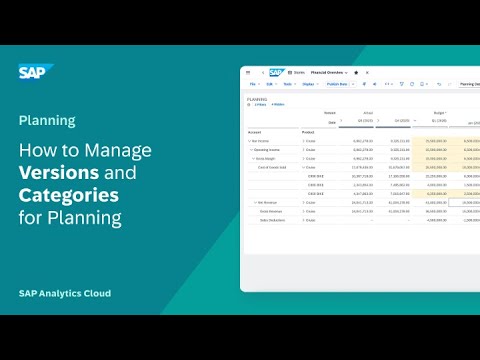
In this video, you will learn how to open the Version Management panel, change data in a public version, publish changes or revert them, create and edit a private version, and publish it to make the data public.
Chapters
0:00 About versions
0:40 Make changes in public versions
0:49 Version management panel
0:55 Publish or revert public versions in edit mode
1:20 Create private versions by dragging or copying
1:55 Sharing or undoing changes to private versions
2:03 View and edit the version history
2:08 Publish private versions
Recommended Help Topics:
• Create, Publish, and Manage Versions of Planning Data: https://sap.to/6054hmxKy Read More SAP Help and Learning
#SAP