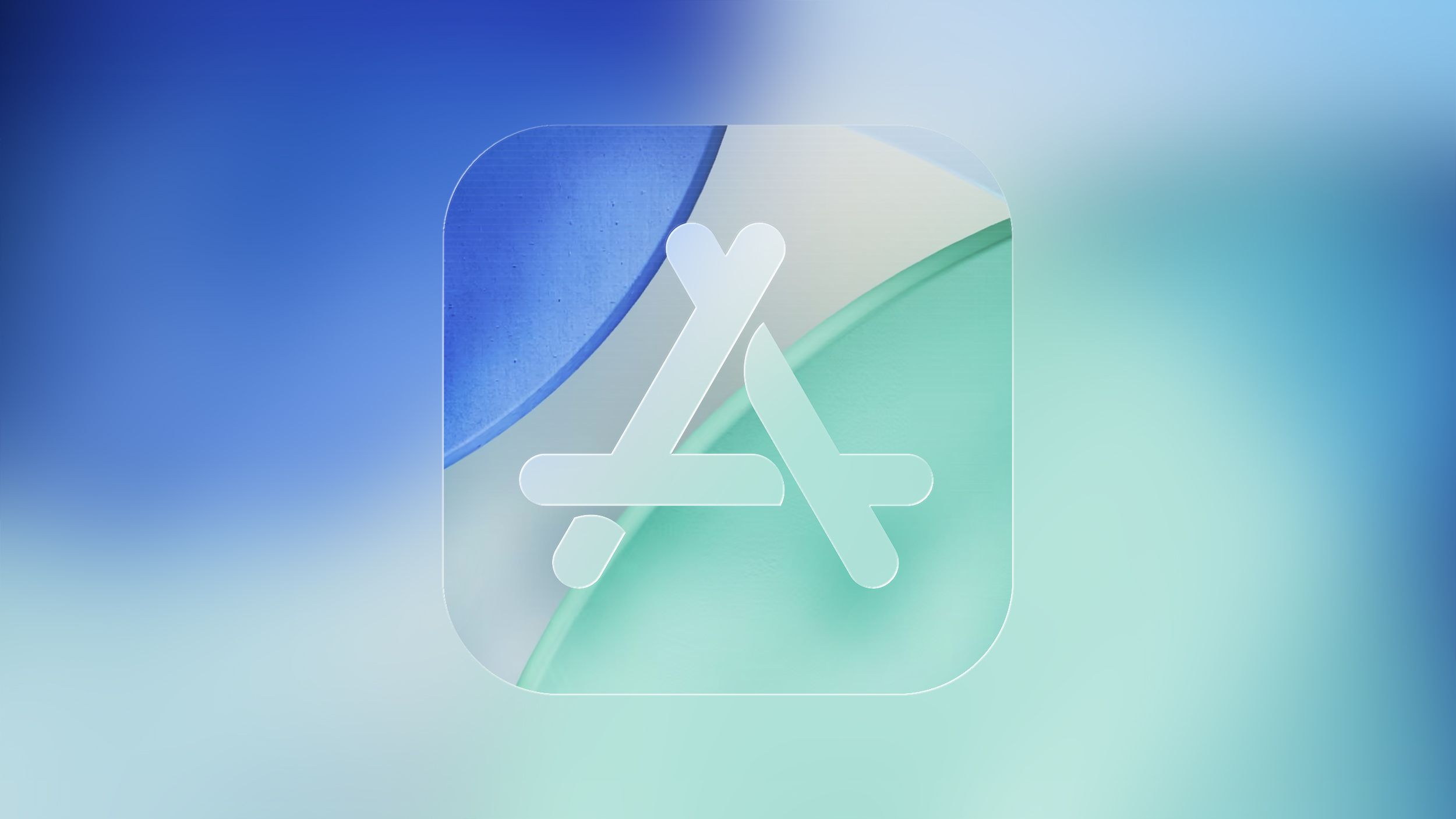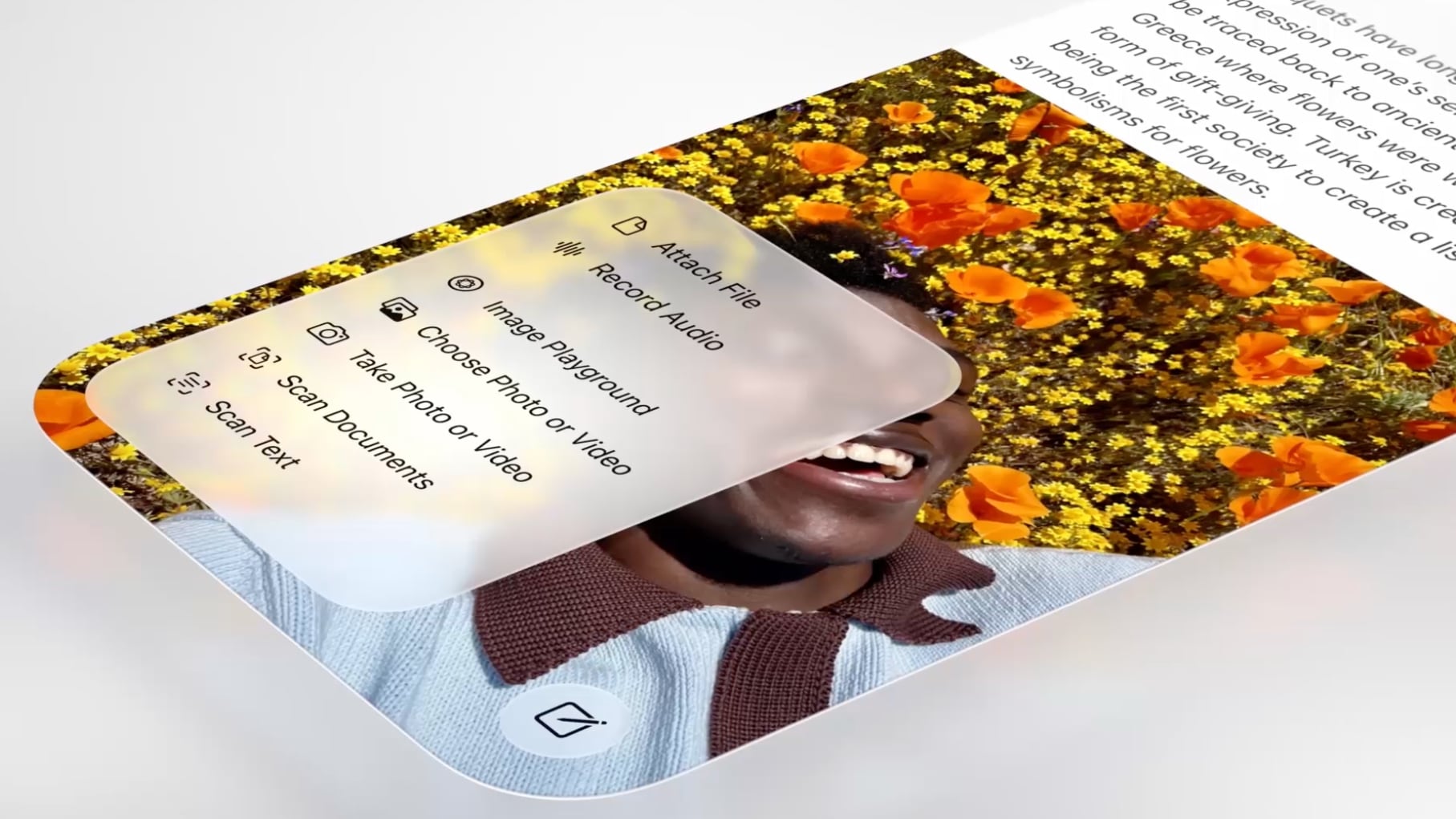
Apple is continuing to highlight the Liquid Glass aesthetic that it introduced in iOS 26, iPadOS 26, and macOS 26. The company has shared an updated Liquid Glass Design Gallery that shows off Liquid Glass in third-party apps.
The visual gallery features several iPhone and iPad apps, with screenshots that show the difference between app design in iOS 18 and iOS 26.
In the latest edition of our new design gallery, find out how teams of all sizes are taking advantage of the new design and Liquid Glass to create natural, responsive experiences across Apple platforms.
Apps included in the gallery have adopted Liquid Glass for elements like tab bars, navigation buttons, bottom toolbars, and more. Apple also highlights pop-out menu interfaces and the separate search buttons that some apps have implemented, both of which are Liquid Glass design elements that Apple has added to its own apps.
AllTrails, Carrot Weather, Fantastical, Kroger, SketchPro, Trello, and Le Monde are among the apps featured.
Apple previously shared a Liquid Glass gallery after the iOS 26 launch, and that gallery provides more Liquid Glass design examples.
Since debuting Liquid Glass, Apple has made small changes like adding a slider bar to the Lock Screen clock for adjusting the Liquid Glass level, but no major updates have been introduced. Rumors suggest that iOS 27, iPadOS 27, and macOS 27 will continue to feature the Liquid Glass aesthetic with little change, but Apple could also add a system-wide slider bar for Liquid Glass opacity adjustments.
This article, “Apple Continues Promoting iOS 26 and macOS 26 Liquid Glass With Updated Design Gallery” first appeared on MacRumors.com
Discuss this article in our forums
Apple is continuing to highlight the Liquid Glass aesthetic that it introduced in iOS 26, iPadOS 26, and macOS 26. The company has shared an updated Liquid Glass Design Gallery that shows off Liquid Glass in third-party apps.
The visual gallery features several iPhone and iPad apps, with screenshots that show the difference between app design in iOS 18 and iOS 26.
In the latest edition of our new design gallery, find out how teams of all sizes are taking advantage of the new design and Liquid Glass to create natural, responsive experiences across Apple platforms.
Apps included in the gallery have adopted Liquid Glass for elements like tab bars, navigation buttons, bottom toolbars, and more. Apple also highlights pop-out menu interfaces and the separate search buttons that some apps have implemented, both of which are Liquid Glass design elements that Apple has added to its own apps.
AllTrails, Carrot Weather, Fantastical, Kroger, SketchPro, Trello, and Le Monde are among the apps featured.
Apple previously shared a Liquid Glass gallery after the iOS 26 launch, and that gallery provides more Liquid Glass design examples.
Since debuting Liquid Glass, Apple has made small changes like adding a slider bar to the Lock Screen clock for adjusting the Liquid Glass level, but no major updates have been introduced. Rumors suggest that iOS 27, iPadOS 27, and macOS 27 will continue to feature the Liquid Glass aesthetic with little change, but Apple could also add a system-wide slider bar for Liquid Glass opacity adjustments.Related Roundups: iOS 26, iPadOS 26, macOS TahoeRelated Forums: iOS 26, macOS TahoeThis article, “Apple Continues Promoting iOS 26 and macOS 26 Liquid Glass With Updated Design Gallery” first appeared on MacRumors.comDiscuss this article in our forums Read More MacRumors: Mac News and Rumors – All Stories
#Techno #PCWorld