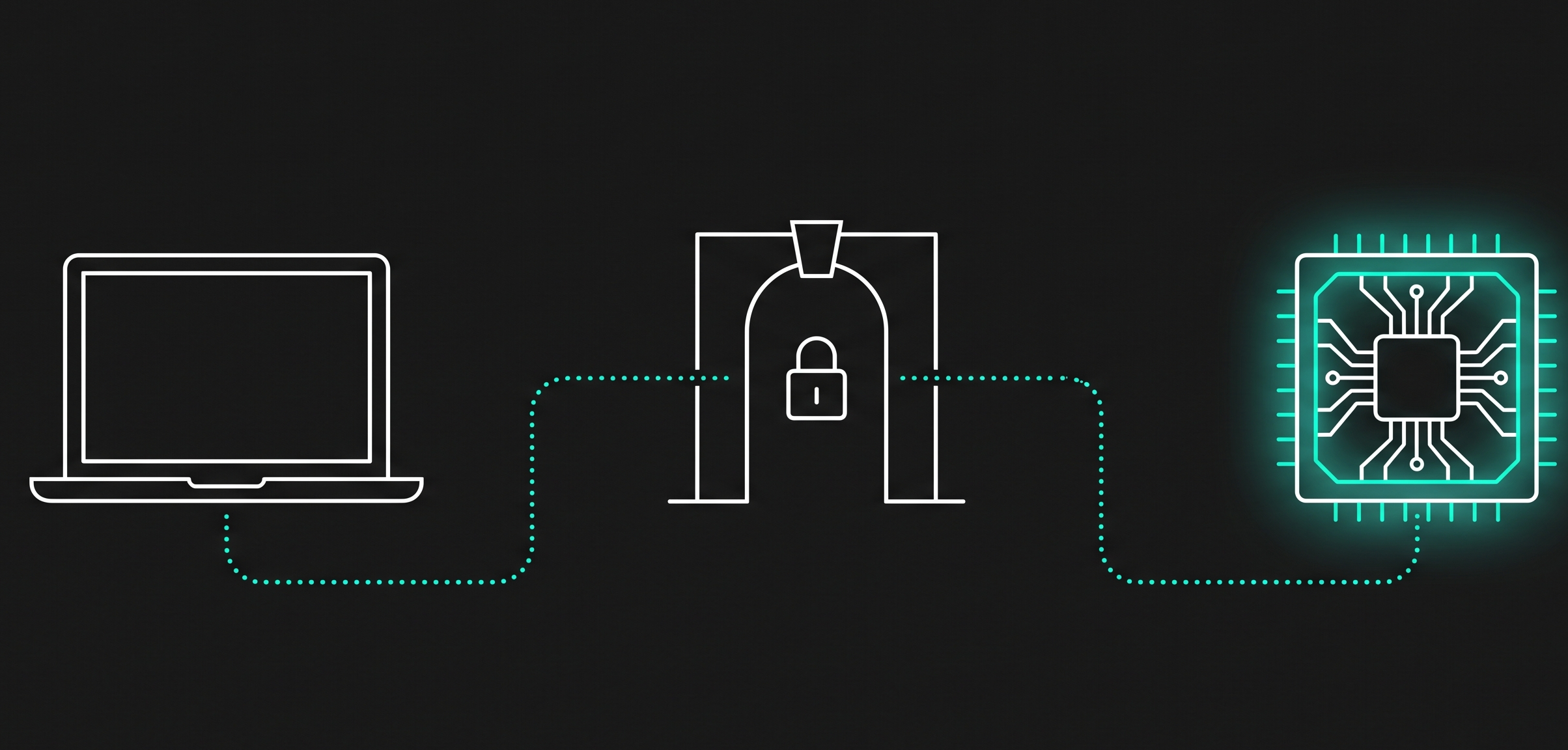

As shown in below, if you need to bring your own data into SAP snowflake without Zero-copy concept. These secrets needs to be applied to pull the data from various SAP Applications. 
In SAP Snowflake, secrets are schema-level objects used to store sensitive information like API keys or passwords. If you need to create, update or delete a secret, follow the steps below.
OAuth2 Secret
CREATE OR REPLACE SECURITY INTEGRATION my_oauth2_integration
TYPE = API_AUTHENTICATION
AUTH_TYPE = OAUTH2
OAUTH_CLIENT_ID = ‘1234567890’
OAUTH_CLIENT_SECRET = ‘1234567890’
OAUTH_TOKEN_ENDPOINT = ‘https://oauth.com/token’
OAUTH_AUTHORIZATION_ENDPOINT = ‘https://oauth.com/authorize’
OAUTH_ALLOWED_SCOPES = (‘scope1’, ‘scope2’)
ENABLED = TRUE
COMMENT = ‘OAuth2 integration for external API’;
Steps:
CREATE OR REPLACE SECRET my_oauth2_secret
TYPE = OAUTH2
API_AUTHENTICATION = my_oauth2_integration
OAUTH_SCOPES = (‘scope1’, ‘scope2’)
COMMENT = ‘OAuth2 credentials for external API’;
Basic Authentication Secret
Steps:
Store username and password securely:
CREATE OR REPLACE SECRET service_now_creds_pw
TYPE = PASSWORD
USERNAME = ‘jsmith1’
PASSWORD = ‘W3dr@fg*7B1c4j’
COMMENT = ‘ServiceNow basic auth credentials’;
Generic String Secret
Steps:
CREATE OR REPLACE SECRET my_string_secret
TYPE = GENERIC_STRING
SECRET_STRING = ‘my-secret-api-key-123’
COMMENT = ‘API key for service authentication’;
GRANT READ ON SECRET my_api_secret TO ROLE my_role;
Steps to Delete a Secret
Use the DROP SECRET Command Execute the following SQL command to delete a specific secret:
DROP SECRET <secret_name>;
Use SHOW SECRETS to list all secrets and confirm the target secret exists:
SHOW SECRETS
Previous Blog on SAP Databricks on How to Store secrets : https://community.sap.com/t5/technology-blog-posts-by-sap/how-to-store-and-manage-sap-secrets-using-sap-databricks-cli-a-developer-s/ba-p/14323394 SAP Snowflake Secrets is a feature in Snowflake that lets you securely store and manage sensitive information—like passwords, API keys, tokens, or credentials—directly inside Snowflake, instead of hardcoding them in scripts or applications.As shown in below, if you need to bring your own data into SAP snowflake without Zero-copy concept. These secrets needs to be applied to pull the data from various SAP Applications. In SAP Snowflake, secrets are schema-level objects used to store sensitive information like API keys or passwords. If you need to create, update or delete a secret, follow the steps below.OAuth2 SecretCREATE OR REPLACE SECURITY INTEGRATION my_oauth2_integration
TYPE = API_AUTHENTICATION
AUTH_TYPE = OAUTH2
OAUTH_CLIENT_ID = ‘1234567890’
OAUTH_CLIENT_SECRET = ‘1234567890’
OAUTH_TOKEN_ENDPOINT = ‘https://oauth.com/token’
OAUTH_AUTHORIZATION_ENDPOINT = ‘https://oauth.com/authorize’
OAUTH_ALLOWED_SCOPES = (‘scope1’, ‘scope2’)
ENABLED = TRUE
COMMENT = ‘OAuth2 integration for external API’;Steps:Ensure a security integration for OAuth2 exists.Create the secret:Use this for APIs requiring OAuth client credentials or authorization code grant flows.CREATE OR REPLACE SECRET my_oauth2_secret
TYPE = OAUTH2
API_AUTHENTICATION = my_oauth2_integration
OAUTH_SCOPES = (‘scope1’, ‘scope2’)
COMMENT = ‘OAuth2 credentials for external API’;Basic Authentication SecretSteps:Store username and password securely:CREATE OR REPLACE SECRET service_now_creds_pw
TYPE = PASSWORD
USERNAME = ‘jsmith1’
PASSWORD = ‘W3dr@fg*7B1c4j’
COMMENT = ‘ServiceNow basic auth credentials’;Generic String SecretSteps:Store any sensitive string (e.g., API key):CREATE OR REPLACE SECRET my_string_secret
TYPE = GENERIC_STRING
SECRET_STRING = ‘my-secret-api-key-123’
COMMENT = ‘API key for service authentication’;Access Control (Privileges control usage:)GRANT READ ON SECRET my_api_secret TO ROLE my_role;Only roles with permission can use the secret.Steps to Delete a SecretUse the DROP SECRET Command Execute the following SQL command to delete a specific secret:DROP SECRET <secret_name>;Use SHOW SECRETS to list all secrets and confirm the target secret exists:SHOW SECRETS Read More Technology Blog Posts by SAP articles
#SAP
#SAPTechnologyblog