Post Content
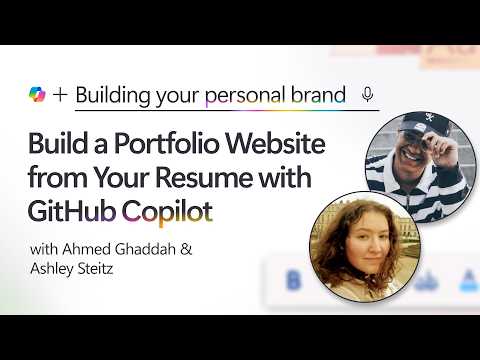
Build a professional portfolio website from your resume with the GitHub Copilot app. This beginner GitHub Copilot tutorial shows how to prompt AI to generate HTML, CSS, and JavaScript, then personalize the site with school colors, a resume preview, and dark mode.
Episode 2 of 10 in Build your personal brand with Copilot. Continue to Episode 3 and explore the full series:
https://aka.ms/student-learning-series-website
Build your personal brand with Copilot is a beginner-friendly Microsoft Developer series for students. Follow Microsoft employees as they use GitHub Copilot, Visual Studio Code, GitHub Pages, Microsoft Foundry, MCP servers, and agent skills to create, publish, and improve a professional portfolio website.
In this episode:
0:00 Welcome and what you’ll build
0:31 Reviewing the sample resume
1:11 Opening the GitHub Copilot app
2:03 Writing the prompt and asking clarifying questions
3:00 Uploading the resume and choosing a design
5:02 Generating the HTML, CSS, and JavaScript
7:01 Opening the generated files and website
8:01 Adding a resume preview on hover
9:01 Customizing the site with school colors
10:00 Adding dark and light modes
11:00 Adding sun and moon icons to the theme switcher
12:02 Asking Copilot for improvements and wrapping up
Connect with the presenters:
Ashley Steitz – Software Engineer at Microsoft: https://www.linkedin.com/in/ashleysteitz/
Ahmed Ghaddah – Product Manager at Microsoft: https://www.linkedin.com/in/ahmed-ghaddah/
Resources:
Download the prompts, code, and episode artifacts from GitHub: https://aka.ms/student-learning-series
Learn more about GitHub Copilot: https://aka.ms/StudentAI-GitHubCopilotApp
Some features and cloud services may have eligibility, usage, or cost limits. Review the current terms before creating resources.
Subscribe to Microsoft Developer for more practical developer and AI learning:
https://www.youtube.com/@MicrosoftDeveloper
#GitHubCopilot #PortfolioWebsite #WebDevelopment Read More Microsoft Developer