

Post Content
Did you know you can run a PyTorch checkpoint on a JAX backend? In this video, Yufeng shows you how KerasHub allows you to mix and match model architectures with pre-trained weights from Hugging Face Hub seamlessly.
As the AI landscape expands, developers often struggle with framework lock-in. You might like a specific model architecture but find the perfect fine-tuned weights were trained using a different framework.
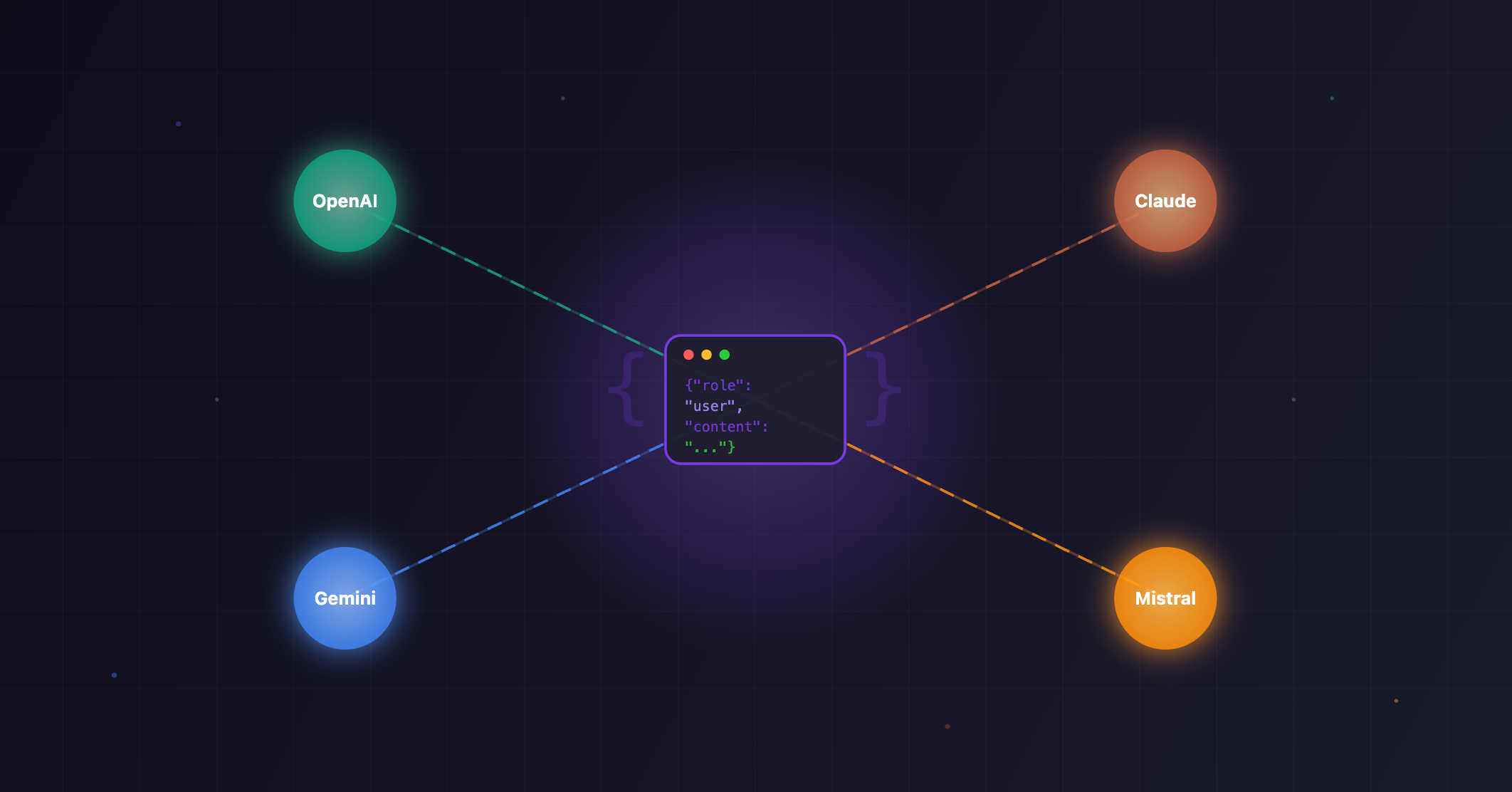
Join us as we break down the difference between “Model Architecture” and “Model Weights” and demonstrate the power of KerasHub. We will walk through three live coding examples using popular Large Language Models (LLMs) to show how you can leverage the massive Hugging Face ecosystem while utilizing your preferred backend (JAX, TensorFlow, or PyTorch).
Topics we’ll cover:
– The difference between “architecture” (code) and “weights” (checkpoints)
– How KerasHub bridges the gap between frameworks
– Loading a cybersecurity-focused Mistral model on JAX
– Running a fine-tuned Llama 3.1 checkpoint
– Deploying a multilingual Gemma translator
Resources:
Get started with KerasHub →https://goo.gle/3Yz15mh
Read the Blog Pos → https://goo.gle/3LHQZws
Check out the Code (Colab) → https://goo.gle/4sF3ucI
Keras Documentation →https://goo.gle/4qknlwh
Chapters:
0:00 Introduction: Mixing Architectures and Weights
0:50 Concept: Model Architecture vs. Model Weights
2:00 What is KerasHub?
2:27 Using Hugging Face Hub Checkpoints
3:12 Coding Demo: Setting the Backend
3:24 Demo: Running Mistral on JAX
4:03 Demo: Running Llama 3.1
4:28 Demo: Running Gemma for Translation
4:46 Summary & Conclusion
Subscribe to Google for Developers → https://goo.gle/developers
Speaker: Yufeng Guo,
Products Mentioned: Keras, Gem Read More Google for Developers