
Post Content
In this end-to-end developer walkthrough, David Rousset shows how to build a Foundry Hosted Agent running inside Microsoft 365 Copilot using a fun Blender 3D scenario.
You’ll see the full workflow:
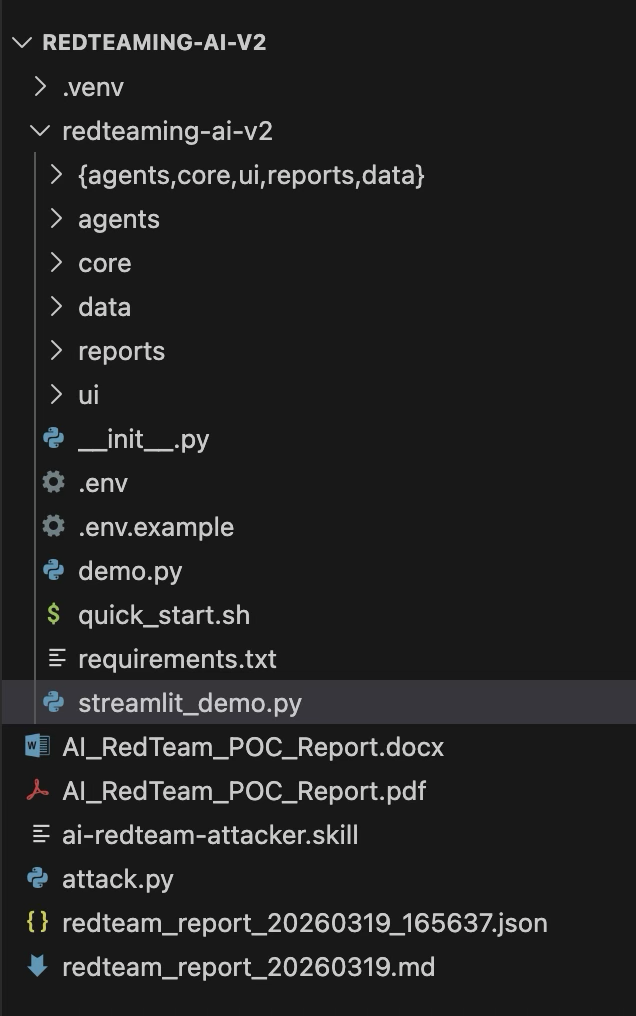
– using the VS Code Foundry extension and the Hotel Python template
– testing the agent in the local Playground
– debugging the experience locally
– switching to the local Blender agent to validate the scenario
– deploying the agent
– testing it in the remote Playground in VS Code
– checking service logs and telemetry
– validating everything in the Foundry portal
– exploring observability with Application Insights
This video is a full build → test → deploy → monitor journey, aimed at developers who want a practical example of how Hosted Agents work in Microsoft 365 Copilot.
Sample code:
https://github.com/davrous/blenderagent
Hosted Agents: https://learn.microsoft.com/en-us/azure/foundry/agents/concepts/hosted-agents
VS Code Foundry Extension: https://learn.microsoft.com/en-us/azure/foundry/how-to/develop/get-started-projects-vs-code
Publish agents to Microsoft 365 Copilot and Microsoft Teams: https://learn.microsoft.com/en-us/azure/foundry/agents/how-to/publish-copilot Read More Microsoft Developer