Post Content
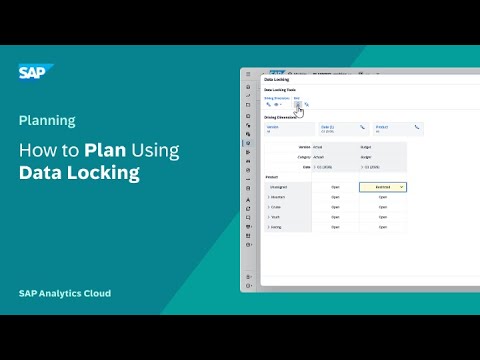
In this video, you will apply data locking on the dimensions of a planning model to prevent unwanted changes during the planning process.
Chapters:
0:00 Enable data locking in the model
0:37 About data disaggregation and planning area based on data locking
1:06 Configure data locks
1:59 About restricted and locked status
2:39 Manage data locks in a story
Recommended Help Topics:
• Configuring Data Locking:
https://sap.to/6059B6p5MT
• Example: Applying Data Locks to a Regional Forecast: https://sap.to/6050B6p5Mp
• Schedule Data Locks in the Calendar: https://sap.to/6051B6p5MV
Define valid member combinations for planning using validation rules:
https://sap.to/6052B6p5Mn
• Learn about Data Security in Your Model: https://sap.to/6053B6p5MX Read More SAP Help and Learning
#SAP