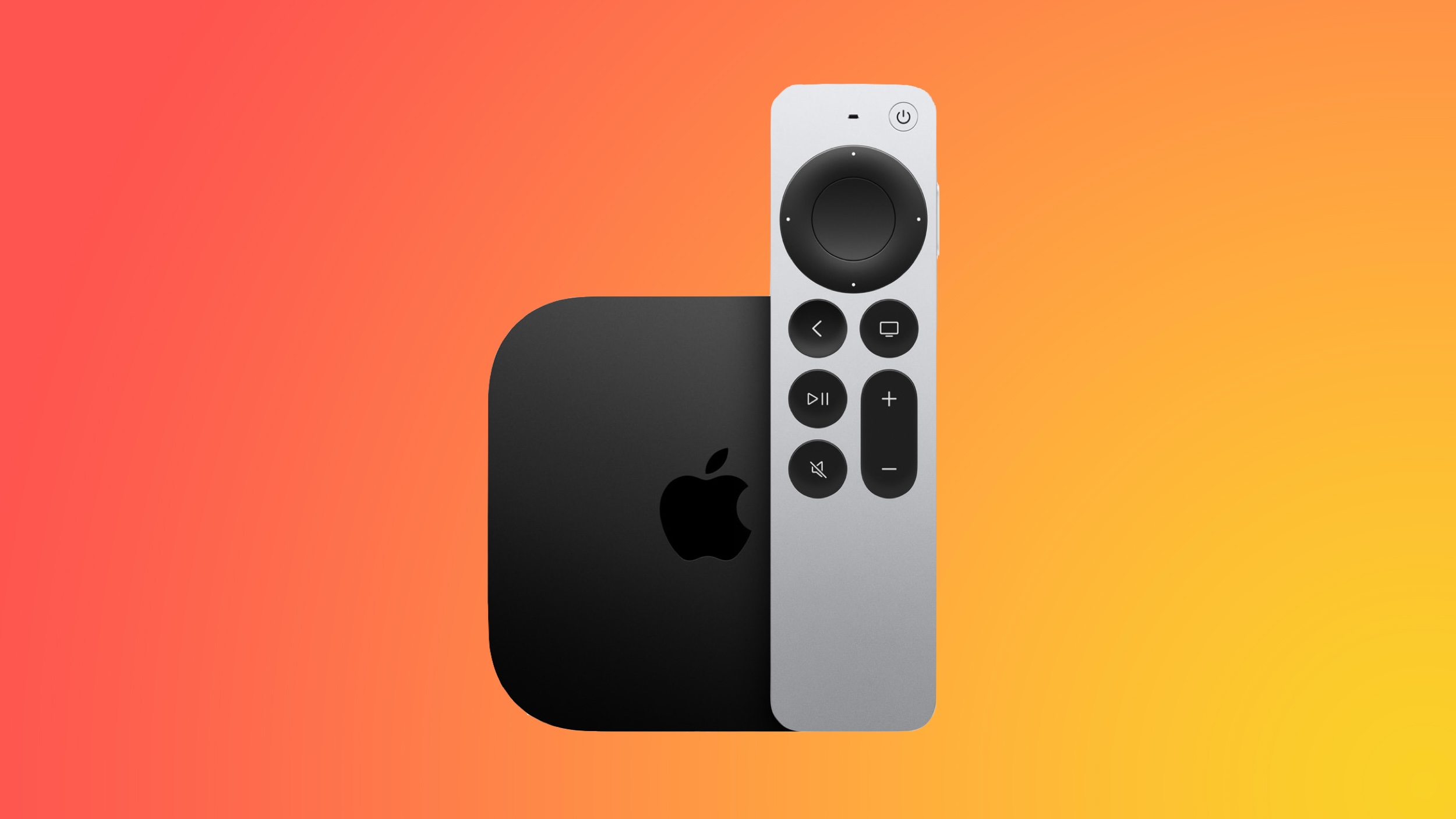
Apple this week released tvOS 26.4, and the software update includes a handful of new features and changes for the Apple TV.
tvOS 26.4 is compatible with all Apple TV 4K and Apple TV HD models released since 2015. To update your Apple TV, open the Settings app on the device, navigate to System → Software Updates, and select Update Software.
Below, we have recapped what is new in tvOS 26.4.
tvOS 26.4: New Features
Genius Browse
Apple added a new “Genius Browse” section to the Apple TV app on tvOS 26.4. Genius Browse is a content discovery feature that provides recommendations for TV shows and movies across multiple suggested categories. Suggestions vary based on content preferences, and the options are updated regularly.
Examples of categories include “Bittersweet Family Dramas” and “Good for a Pick-Me-Up.”
Continuous Audio Connection
Apple says tvOS 26.4 fixes an issue with audio playback on Apple TV 4K that can occur when sound transitions between programs with different formats.
Specifically, there is a new “Continuous Audio Connection” setting in the Settings app, under Video and Audio → Audio Format → HDMI Output.
“Apple TV uses a Dolby MAT connection for glitch-free playback across formats,” reads Apple’s description of the setting. “Older receivers may indicate an Atmos connection, but original mixes will not be modified.”
Subtitle Styling
You can now change the style of subtitles/captions while you are watching content in the Apple TV app and other apps that use the Apple TV’s default video player, without needing to open the Settings app. You can adjust the size and appearance of the subtitles, opt for subtitles to have a transparent background, and so forth.
To turn on subtitles from the video player, look for the speech bubble button.
No More iTunes TV Shows and Movies Apps
tvOS 26.4 finally removes the preinstalled iTunes TV Shows and iTunes Movies apps from the Apple TV, with all content now found in the Apple TV app.
Performance Improvements
Apple says tvOS 26.4 includes performance and stability improvements.
tvOS 26.4: Release Notes
Here are Apple’s release notes for tvOS 26.4:This update fixes an issue with audio playback on Apple TV 4K that can occur when sound transitions between programs with different formats, like Dolby Atmos and stereo. iTunes Movies and TV Shows apps removed with all content and playback consolidated into Apple TV app. This update also includes performance and stability improvements.Some tvOS features are limited to newer Apple TV models.
This article, “tvOS 26.4 Adds These New Features to Your Apple TV” first appeared on MacRumors.com
Discuss this article in our forums
Apple this week released tvOS 26.4, and the software update includes a handful of new features and changes for the Apple TV.
tvOS 26.4 is compatible with all Apple TV 4K and Apple TV HD models released since 2015. To update your Apple TV, open the Settings app on the device, navigate to System → Software Updates, and select Update Software.
Below, we have recapped what is new in tvOS 26.4.
tvOS 26.4: New Features
Genius Browse
Apple added a new “Genius Browse” section to the Apple TV app on tvOS 26.4. Genius Browse is a content discovery feature that provides recommendations for TV shows and movies across multiple suggested categories. Suggestions vary based on content preferences, and the options are updated regularly.
Examples of categories include “Bittersweet Family Dramas” and “Good for a Pick-Me-Up.”
Continuous Audio Connection
Apple says tvOS 26.4 fixes an issue with audio playback on Apple TV 4K that can occur when sound transitions between programs with different formats.
Specifically, there is a new “Continuous Audio Connection” setting in the Settings app, under Video and Audio → Audio Format → HDMI Output.
“Apple TV uses a Dolby MAT connection for glitch-free playback across formats,” reads Apple’s description of the setting. “Older receivers may indicate an Atmos connection, but original mixes will not be modified.”
Subtitle Styling
You can now change the style of subtitles/captions while you are watching content in the Apple TV app and other apps that use the Apple TV’s default video player, without needing to open the Settings app. You can adjust the size and appearance of the subtitles, opt for subtitles to have a transparent background, and so forth.
To turn on subtitles from the video player, look for the speech bubble button.
No More iTunes TV Shows and Movies Apps
tvOS 26.4 finally removes the preinstalled iTunes TV Shows and iTunes Movies apps from the Apple TV, with all content now found in the Apple TV app.
Performance Improvements
Apple says tvOS 26.4 includes performance and stability improvements.
tvOS 26.4: Release Notes
Here are Apple’s release notes for tvOS 26.4:This update fixes an issue with audio playback on Apple TV 4K that can occur when sound transitions between programs with different formats, like Dolby Atmos and stereo. iTunes Movies and TV Shows apps removed with all content and playback consolidated into Apple TV app. This update also includes performance and stability improvements.Some tvOS features are limited to newer Apple TV models.Related Roundup: Apple TVBuyer’s Guide: Apple TV (Don’t Buy)Related Forum: Apple TV and Home TheaterThis article, “tvOS 26.4 Adds These New Features to Your Apple TV” first appeared on MacRumors.comDiscuss this article in our forums Read More MacRumors: Mac News and Rumors – All Stories
#Techno #PCWorld